Basic & Reference Dimensions
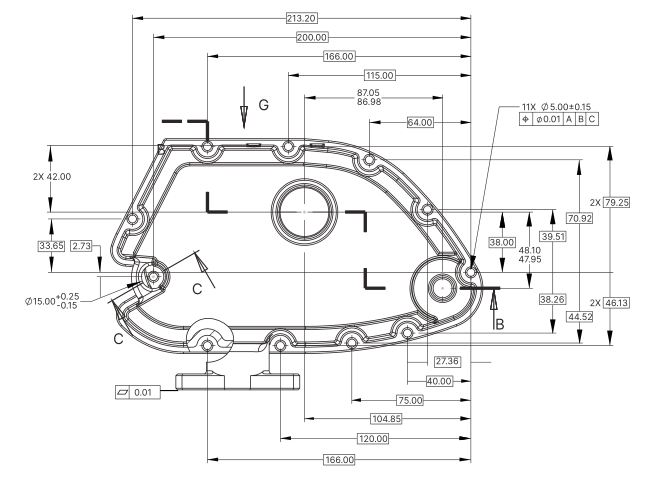
Basic dimensions (boxed, like [25]) and reference dimensions (in parentheses, like (2.00)) usually have no tolerance of their own. Choose whether Lens balloons them, and whether tolerances apply to them.
25 ±0.1
Toleranced 25
Basic (2.00)
Reference 25.4 [1.00]
Dual-unitMarking One Dimension as Basic
- Click the dimension’s box to open the Dimension Editor.
- On the Dimension tab, tick BASIC. Untick it to treat the dimension as a normal toleranced one.
Settings for the Whole Drawing
Open Settings (gear) at the top of the sidebar and go to the Dimensions tab.
Settings
- Outside […]: for dual-unit dimensions such as
25.4 [1.00], Lens extracts the number outside the brackets. - … [Inside]: Lens extracts the number inside the brackets.
- Balloon Basic and Reference dimensions: when off, Lens doesn’t balloon basic and reference dimensions.
- Apply tolerances to parenthesized dimensions: when on, dimensions like
(2.00)get tolerances from the standard you apply.