Redacting Sensitive Information
Hide confidential parts of the drawing, such as a customer name or price, before you share the PDF.
Redacting an Area
- In the toolbar, click Modify (pencil) and choose Redact an area, or press
R. - Drag a box over the area to hide.
- Repeat for each area.
On Export
When you download your PDF, each redacted area is covered by a solid block in the file.
Enclosure_ballooned.pdf
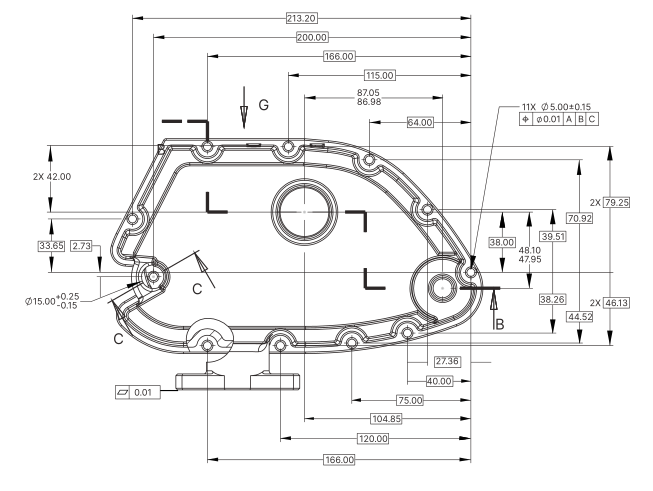
- Part
- Enclosure
- Drawing No.
- 10001125 Rev A
- Customer
- Northwind Castings Ltd
- Unit Price
- USD 48.20