Notes
Lens extracts the notes on a drawing as it scans. Add any it didn’t extract, and attach your own notes to a dimension for whoever measures the part.
Adding a Note from the Drawing
- Click Add Note in the toolbar, or press
N. - Drag a box around the note on the drawing. Lens extracts it and gives it a balloon.
Adding a Note to a Dimension
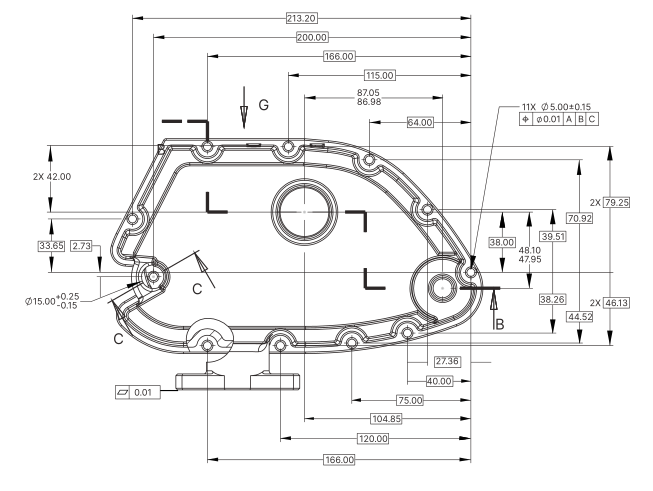
- Click the dimension’s box to open the Dimension Editor.
- Open the More tab.
- Type in Notes. The note saves as you type and appears in the exported inspection plan.