Editing Dimension Values
If Lens extracted a value wrongly, correct it, adjust the box Lens extracted it from, or delete a dimension that shouldn’t be there.
Changing a Value
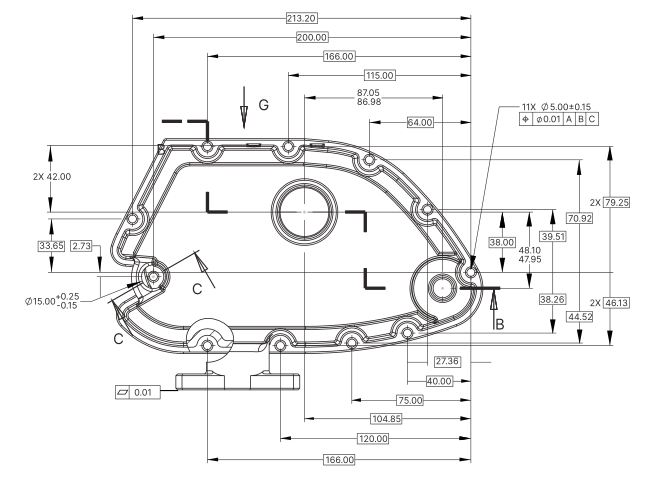
- Click the dimension’s box on the drawing. The Dimension Editor opens.
- On the Dimension tab, click the value or tolerance you want to change and type the new one.
- Tick Verified once it matches the drawing.
Adjusting the Box
The box marks the area Lens extracted the dimension from.
- Resize: select the box, then drag its edges to take in more or less of the drawing.
- Rotate: for a dimension written at an angle, select the box and drag its rotate handle until the box lines up with the text.
Deleting a Dimension
Select the dimension’s box, then press Delete, or click Delete dimension in the Dimension Editor.