Detected Views
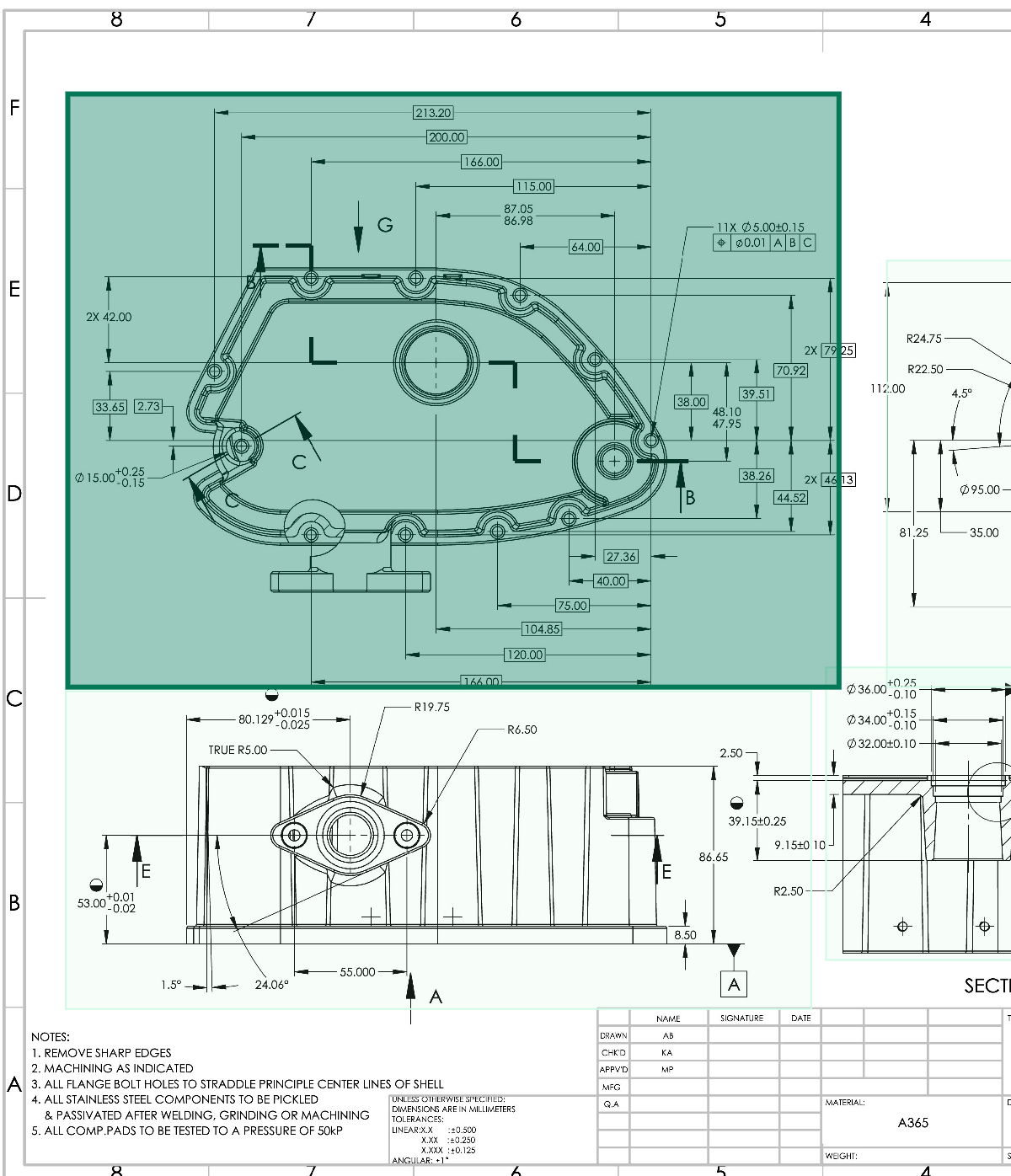
When you upload a drawing, Lens detects every view on each page. Views set the order balloons are numbered in.
Each view is listed in the Views tab with the label from the drawing, or View #1, View #2 and so on when the drawing has none.
Selecting a View
- In the sidebar, open the Views tab.
- Click a view’s name. Its box highlights on the drawing.
You can also click the green box around a view on the drawing; its entry highlights in the sidebar.
What Views Are Used For
Lens numbers balloons view by view. To change the order, see Reordering Balloons. To fix the list, see Adding & Deleting Views.