Adding & Deleting Views
Add a view Lens didn’t detect, rename views to match the drawing, and remove views you don’t need.
Adding a View
- In the sidebar, open the Views tab.
- Click + Add View.
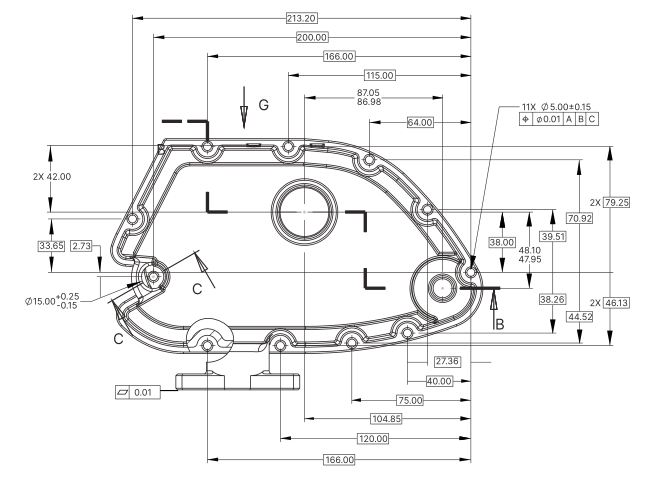
- Drag a box around the view on the drawing.
Lens creates the view and detects the dimensions inside it.
Renaming a View
- In the Views tab, click the view’s name.
- Type the new name, for example “Front View” or “Detail A”.
- Press
Enter, or click anywhere else.
Deleting a View
- In the Views tab, click the view in the list. It highlights on the drawing.
- Click the × next to its name.