Assigning a Character Class
Mark a dimension as Critical, Major or Minor. Its balloon changes colour and shape to match, and the class appears in the exported inspection plan.
Assigning One Dimension
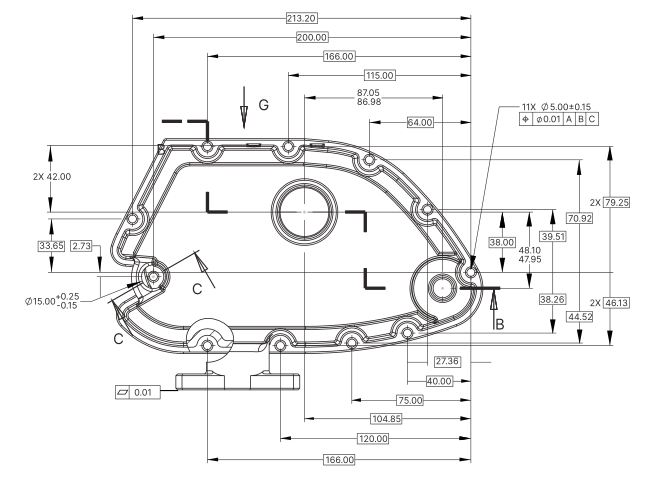
- Click the dimension’s box to open the Dimension Editor.
- Open the More tab.
- In Ch. Class, choose None, Minor, Major or Critical.
Assigning Many at Once
When the drawing marks special characteristics with a symbol, scan the symbol once: Lens locates every dimension with it and assigns the class to all of them.